If you've been using Wispr Flow and are looking for a Windows-first, privacy-respecting, more affordable alternative, WhisperTyping is built for you. Same idea: hold a hotkey, talk, words appear in any application. Different priorities: serious privacy guarantees, unlimited transcription from $5 a month, and a verbatim mode for users who don't want AI to rewrite what they said.
Why People Switch from Wispr Flow to WhisperTyping
Wispr Flow is a polished product, but its model is built around aggressive cloud AI rewriting and a $12 to $15 per month subscription. WhisperTyping takes a different approach: cheaper, more private, Windows-native, and you stay in control of whether AI ever touches your words.
| Feature | Wispr Flow | WhisperTyping |
|---|---|---|
| Starting price (unlimited) | $12 to $15 per month | $5 per month for unlimited dictation |
| Free plan | Limited weekly word cap | Generous free minutes, topped up weekly |
| Speed (latency) | Around 500 ms | 380 ms |
| Logging policy | May store transcripts and usage data | Always zero logging. Transcripts and audio never stored |
| Screen context (OCR) | Sent to the cloud | Runs locally on your computer |
| AI rewriting | On by default, rewrites your words. Hit or miss | Optional. Verbatim by default, AI rewriting only when requested |
| Platform | macOS-first, Electron on Windows | Native Windows app, light on resources, works in every app |
| Phone as wireless mic | Not available | Included on Professional and Medical tiers |
| Built and supported by | VC-backed startup, support queue | Independent developer who answers customer emails personally |
Faster: 380 ms vs Around 500 ms
Latency matters more than people think. When the gap between finishing a sentence and seeing it on screen stretches past half a second, dictation stops feeling like an extension of thought and starts feeling like you're waiting for software. WhisperTyping's median latency is 380 ms from end-of-speech to text on screen, measured as the real round-trip across all users worldwide (including users on slow or unreliable connections), not a best-case benchmark on a fast home network. Wispr Flow's published figure is around 500 ms on average, with their model-hosting provider reporting under 700 ms at p99.
Lower is better. WhisperTyping's measured median across all users, Wispr Flow's published figure.
Privacy by Design
Voice is one of the most personal forms of input you give to software. WhisperTyping treats it that way. Privacy is built into every layer of the product, not bolted on as a setting.
Zero-Logging Servers
Transcription servers never log your transcripts or audio. Audio is processed in memory and discarded. Nothing is written to disk, ever.
Screen OCR Runs Locally
The contents of your screen never leave your machine. Screen OCR processing happens entirely on your own computer.
Your Vocabulary Stays Yours
Custom vocabulary, text replacements, and templates are stored locally. They're not mined to train models or shared with third parties.
Read the full details on the privacy page.
Pricing
WhisperTyping is 58% cheaper. Yearly cost of unlimited dictation, billed annually.
WhisperTyping Personal includes unlimited transcription, 50+ languages, custom vocabulary, text replacements, automatic punctuation. Professional is $15 a month for AI modes, Screen OCR, templates, and phone-as-microphone. There's also a Medical tier. See the pricing page.
No Forced AI Rewriting
Wispr Flow's signature feature is automatic AI cleanup. It rewrites your dictation into "polished" sentences. Many users love that. Others want their actual words on screen, not a rewrite.
WhisperTyping defaults to accurate transcription with smart punctuation. AI rewriting is available through AI Modes (Write, Rewrite, Reply), only when you ask for it.
Built for Windows, Works in Every App
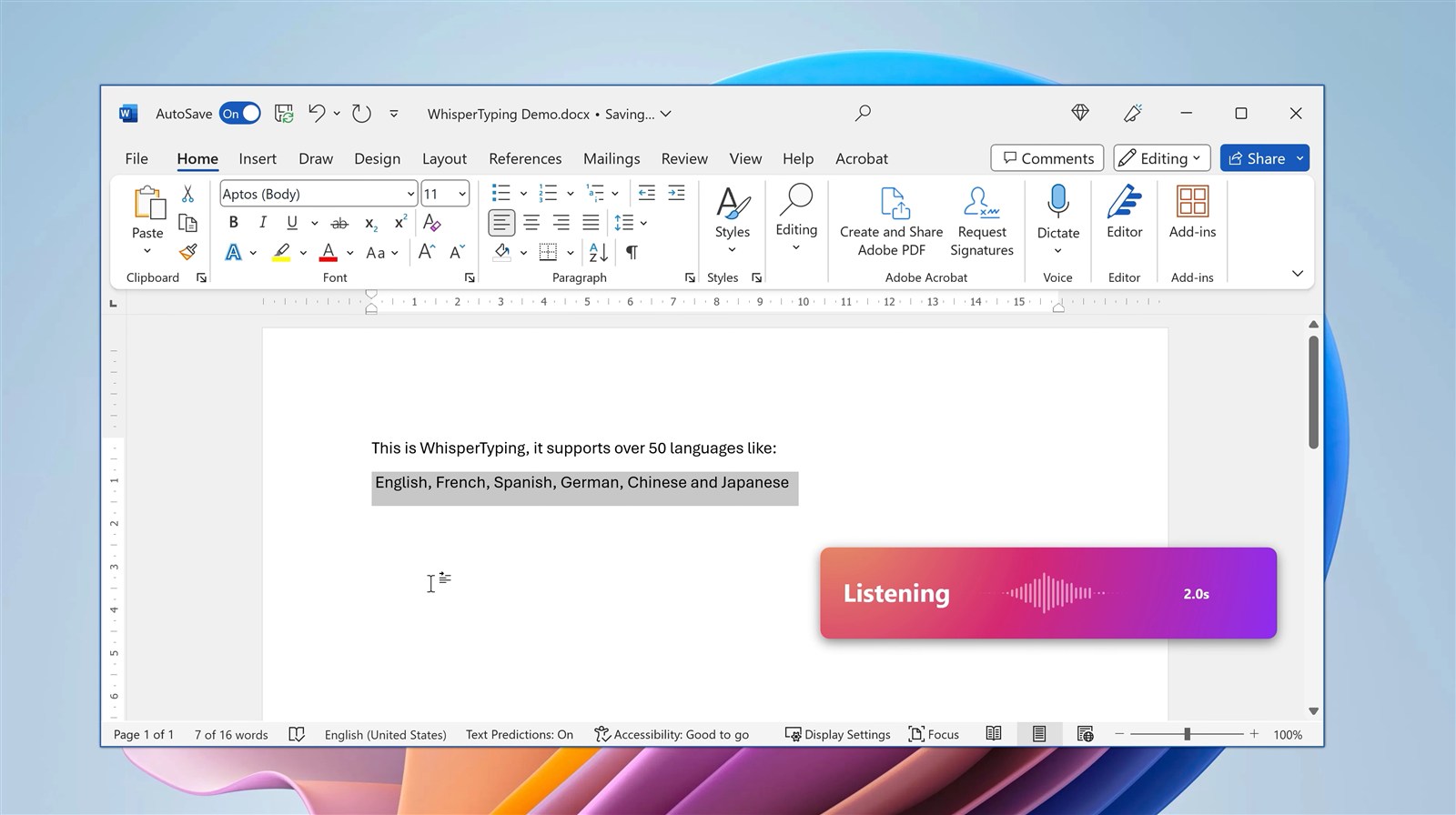
Wispr Flow started on macOS and runs as an Electron app on Windows. WhisperTyping is a native Windows app: light on memory, fast to activate, and tested in hundreds of Windows applications including Word, Outlook, Chrome, Slack, browser-based EMRs, Cursor, Claude Code, VS Code, and Notion.
It also handles Windows-specific workflows that cross-platform apps tend to miss: remote desktop sessions, Citrix, virtual machines, and Windows accessibility integrations.
On the Professional tier we take this further with phone as wireless microphone. You can use your phone as the dictation microphone even when the computer you're working on doesn't have one. This is particularly useful in complex IT environments — remote desktop sessions, Citrix, VDI, locked-down enterprise machines, hospital workstations — where capturing audio directly on the host computer is often impossible or unreliable. The phone handles the mic, the audio still flows into whatever application has focus on the remote machine.
Who's Switching from Wispr Flow?
- Medical professionals who need zero-logging dictation for patient notes
- Lawyers and legal teams handling privileged client information
- Writers and journalists who don't want AI rewriting their voice
- Software developers dictating into Cursor, Claude Code, and the terminal, where word-level accuracy matters
- Privacy-conscious knowledge workers who refuse to send transcripts to a third-party cloud archive
- Cost-conscious users who don't want to pay $144 to $180 a year for what should be a $60 product
When Wispr Flow Might Be the Right Choice
We try to be honest about this. Wispr Flow is a good fit if:
- You're on macOS as your primary platform
- You want aggressive AI rewriting as the default behavior
- Privacy and zero-logging aren't a priority for your use case
- You're happy paying a higher monthly fee for the brand and the polish
If those describe you, Wispr Flow is a reasonable pick. If any of them give you pause, keep reading.
Frequently Asked Questions
Is WhisperTyping really $5 a month for unlimited?
Yes. The Personal tier is $5 a month, billed annually, and includes unlimited transcription minutes, 50+ languages, custom vocabulary, text replacements, and automatic punctuation.
What does "zero logging" actually mean?
The transcription servers process your audio in memory and discard it. Transcripts are never written to disk on our servers. There's no transcript history sitting in a database somewhere. The only data we keep is what's needed for authentication, subscription billing, and basic usage metrics (counts, not content).
Does WhisperTyping work offline?
No. Like Wispr Flow, WhisperTyping uses cloud transcription to give you the highest accuracy from state-of-the-art models. What's different is that our servers are zero-logging and HIPAA-compliant, and the Screen OCR feature runs locally on your computer.
How do I bring my Wispr Flow vocabulary across?
The easiest way: take a screenshot of your Wispr Flow vocabulary list, drop it into ChatGPT, and ask it to extract all the words as a comma-separated list. Then paste that list into WhisperTyping's custom vocabulary field. Takes about a minute.
Is there a free trial?
WhisperTyping has a permanent free tier with weekly top-ups of minutes. No credit card. For unlimited from the start, the Personal tier is $5 a month.
What about Mac users?
WhisperTyping is Windows-only today. If you're on Mac, Wispr Flow is a reasonable choice for now. The vast majority of dictation users are on Windows, which is where we focus.
Try the Wispr Flow Alternative for Windows
You can have WhisperTyping installed and dictating in under five minutes. Start on the free plan, or jump straight to $5 a month for unlimited transcription.