Windows has built-in voice typing (Win+H), but it's limited. WhisperTyping is a full-featured alternative with higher accuracy, more customization options, and powerful extras like AI modes, custom vocabulary, and text replacements. Powered by Whisper Large, it works in any Windows application.
Superior Accuracy
Whisper Large speech recognition
Works Everywhere
Any Windows application
Screen Context (OCR)
Reads your screen for better accuracy
Custom Vocabulary
Add your own terms and jargon
AI Modes
Write, rewrite, translate, answer
50+ Languages
All in one application
Windows Voice Typing vs WhisperTyping
| Feature | Windows Voice Typing | WhisperTyping |
|---|---|---|
| Speech recognition engine | Azure Speech | Whisper Large |
| Context awareness | ✕Word-by-word, less accurate | Full context, infers meaning |
| Application compatibility | ✕Limited apps | Any Windows app |
| Screen context (OCR) | ✕Not available | Scans for keywords |
| Custom vocabulary | ✕Not available | Add your own terms |
| AI modes | ✕Not available | Write, rewrite, answer |
| Emoji by voice | ✕Not available | Say "thumbs up emoji" |
| Spoken punctuation | Basic commands | Full punctuation control |
| Languages | ✕Regional only | 50+ languages |
| Custom hotkey | ✕Win+H only | Choose your own hotkey |
| Text replacements | ✕Not available | Insert templates, email, links |
| Price | Free (built-in) | Free tier available |
Context-Based Transcription
Windows Voice Typing transcribes word-by-word as you speak, which limits its ability to understand context. WhisperTyping waits until you finish speaking, then processes the entire phrase together. This allows it to infer the correct spelling and meaning based on the full context—resulting in significantly higher accuracy, especially for names, technical terms, and homophones.
Flexible Activation
Windows Voice Typing is locked to the Win+H shortcut. WhisperTyping lets you choose your own hotkey, set up push-to-talk, double-tap activation, or even use your middle mouse button—a favorite among power users. You can also customize the recording indicator position and behavior to fit your workflow.
Text Replacements
Set up shortcuts that expand into longer text. Type "@@" and it becomes your email address. Say "meeting link" and insert your calendar booking URL. Create templates for common responses, signatures, or any text you frequently reuse.
Ready to upgrade your voice typing?
Join thousands of professionals who've made the switch.
 Download for Windows
Free plan available. No credit card required.
Why WhisperTyping is More Accurate
Whisper Large
WhisperTyping uses Whisper Large, a speech recognition model trained on over 680,000 hours of audio. It handles accents, background noise, and specialized terminology better than traditional speech engines.
Screen Context Scanning
WhisperTyping can optionally scan your screen to understand what you're working on. Writing an email to "John Smith"? It sees the name on screen and capitalizes it correctly. Working on a technical document? It picks up the terminology. This dramatically improves accuracy for your specific task.
Custom Vocabulary
Add your own terms, names, acronyms, and industry jargon. WhisperTyping will recognize them accurately every time. Essential for medical, legal, technical, and specialized fields where standard speech recognition fails.
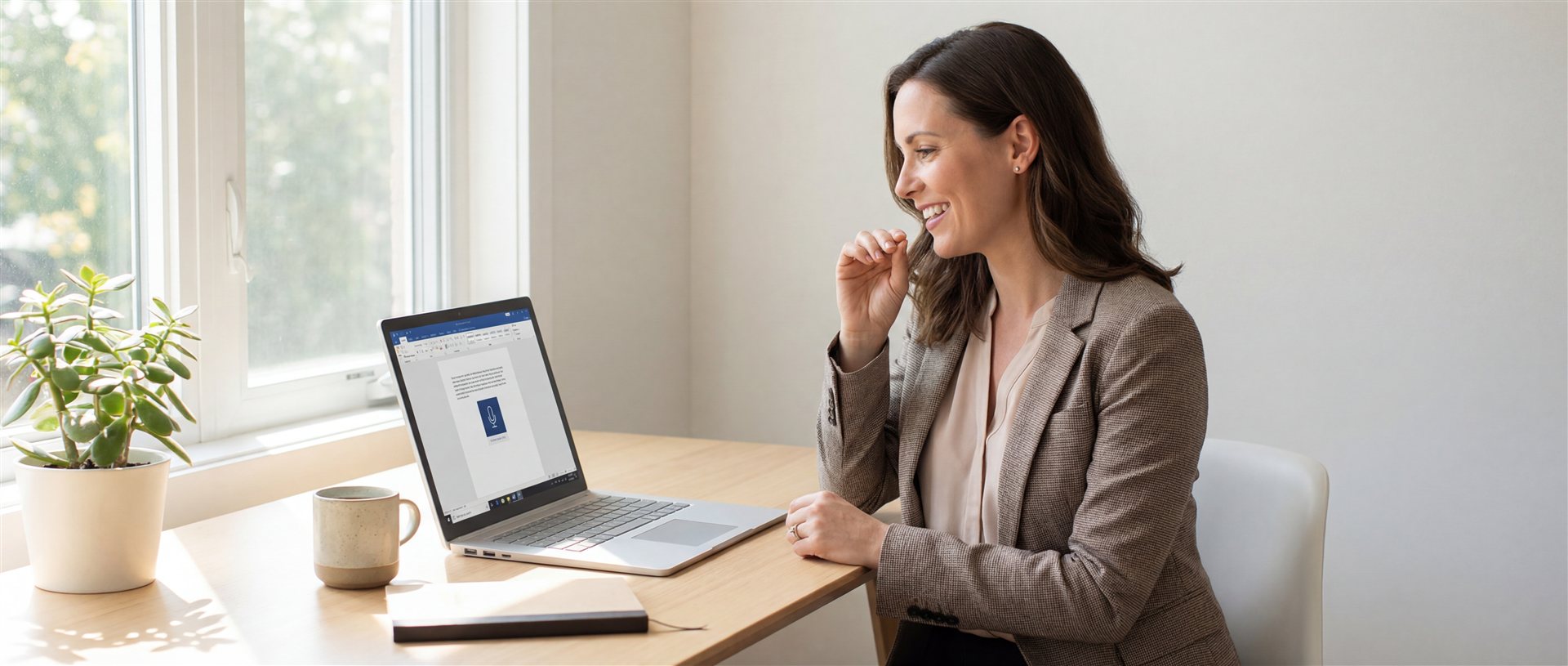
Who Uses WhisperTyping?
- Software developers - dictating to AI coding agents
- Legal professionals - drafting contracts and briefs
- Medical professionals - clinical documentation
- Managers - emails and reports
- Writers - capturing ideas at the speed of thought
- Students - notes and essays