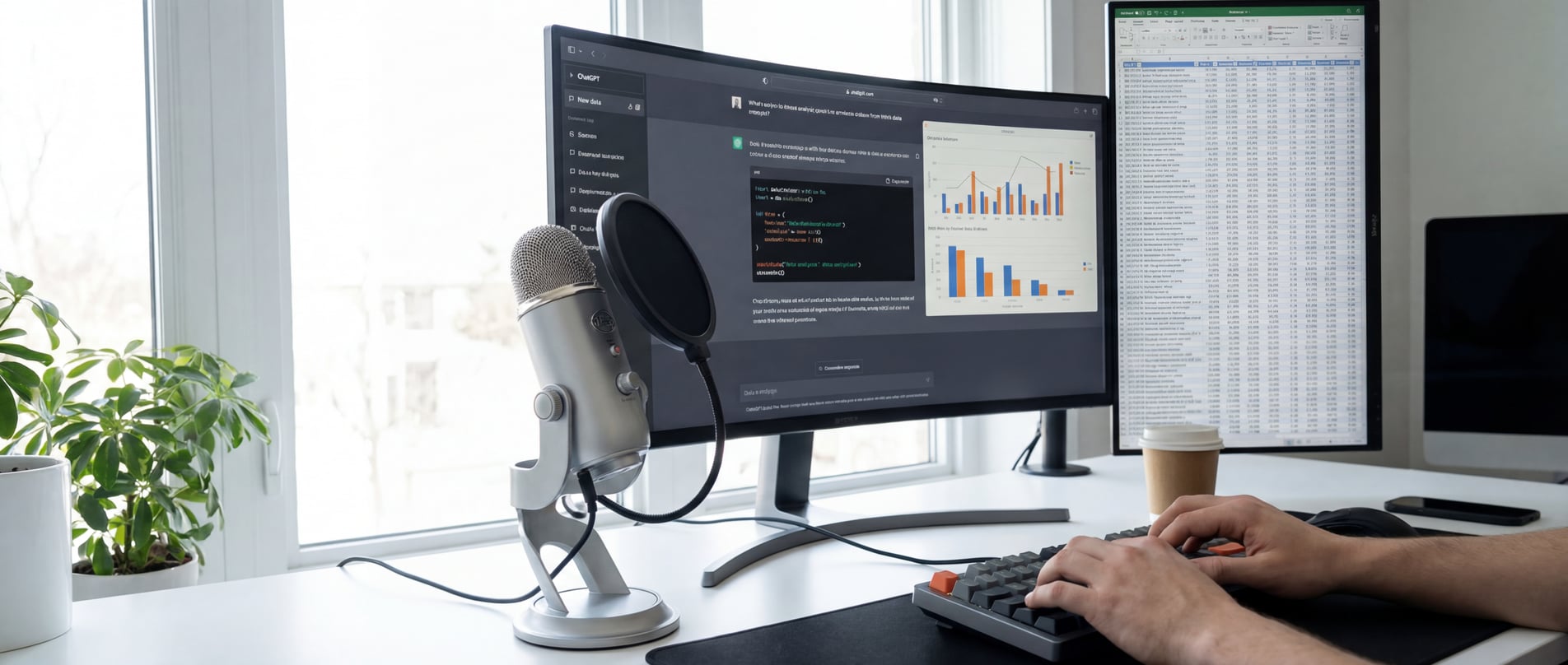
Data analysis has become conversational. You describe what you want, AI writes the code and generates the insights. But typing detailed prompts slows you down. With WhisperTyping, you speak your analysis requests naturally - 4x faster than typing.
The Rise of Voice-Driven Data Analysis
A fundamental shift is happening in how data professionals work. AI tools like ChatGPT, Claude, and Copilot have transformed data analysis from writing code to having conversations. You describe what you need, and AI delivers.
This is the new way of doing data analysis. The AI speech-to-text market is projected to grow from $3.86 billion in 2025 to $29.45 billion by 2034. Voice input is no longer a novelty - it's becoming essential infrastructure for data professionals who want to stay competitive.
WhisperTyping puts you at the forefront of this trend, letting you speak to any AI tool with ultra-accurate transcription that understands technical terminology.
The Modern Data Analyst
Clients expect faster turnaround. Stakeholders want real-time insights. The pressure on data analysts, BI specialists, and big data professionals has never been higher.
Voice dictation with WhisperTyping is becoming a vital tool for analysts who need to deliver more results, faster. Speaking at 150 words per minute versus typing at 40 means you can iterate on analyses, refine prompts, and explore data in a fraction of the time. When clients are waiting for insights, that speed difference is the difference between winning and losing business.
 Download for Windows
Available for Windows 10/11. Free plan available, no credit card required.
Where Voice Meets Data
More tools than ever accept natural language prompts. WhisperTyping works with all of them:
- ChatGPT Advanced Data Analysis - Upload datasets, speak your analysis request, get Python code and visualizations
- Claude Code - Dictate pandas operations, SQL queries, and Jupyter notebook code directly in your terminal
- Text-to-SQL tools - AI2sql, Chat2DB, Vanna.ai turn spoken questions into database queries
- Power BI Copilot - Ask questions about your dashboards in natural language
- Tableau Pulse - Voice-driven data exploration and insights
- Google BigQuery - Natural language queries on massive datasets
WhisperTyping Features for Data Analysts
Double-Tap to Send
Dictate your prompt and send it to ChatGPT or Claude in one motion. Double-tap your hotkey to transcribe and press Enter automatically. Completely hands-free analysis workflows.
Custom Vocabulary
WhisperTyping lets you add your technical terms for accurate transcription:
- Column and table names from your datasets
- Libraries:
pandas,matplotlib,scikit-learn,numpy - Functions:
groupby,pivot_table,merge,fillna
Screen-Aware Transcription
WhisperTyping reads your screen using OCR. It sees your column headers, variable names, and error messages - and transcribes them correctly. Say "filter by CustomerID" while looking at your data, and WhisperTyping spells it right.
AI Write Mode
Generate code from voice descriptions with WhisperTyping's AI Write mode:
- "Write a Python script to clean this CSV and remove duplicates"
- "Write a SQL query to find customers who haven't ordered in 30 days"
- "Write pandas code to calculate monthly revenue by region"

Why Voice for Data Analysis?
Complex analysis requests are easier to speak than type:
- "Show me sales by region for Q3 excluding returns and group by product category"
- "Find outliers in the transaction data where amount is more than three standard deviations from the mean"
- "Create a visualization comparing this year's performance to last year by month"
You think in natural language. With WhisperTyping, you can analyze in natural language too. No more translating your thoughts into typed queries - just speak and let AI do the rest.
Frequently Asked Questions
Can I use voice dictation for data analysis?
Yes. WhisperTyping lets you speak to AI data analysis tools like ChatGPT, Claude, and Power BI Copilot. Describe your analysis requests in natural language, and the AI generates the code, queries, or visualizations. Speaking is 4x faster than typing complex analytical prompts.
Does voice typing recognize technical data terms?
WhisperTyping includes OCR that reads your screen. It sees your column names, table names, and variable names, and uses them to transcribe accurately. You can also add custom vocabulary for libraries, functions, and domain-specific terms.
Can I dictate SQL queries?
You can dictate natural language descriptions of what you want, and AI tools convert them to SQL. For example, say "find all customers who placed more than three orders last quarter" and let ChatGPT or a text-to-SQL tool generate the query. WhisperTyping handles the voice input.
Does WhisperTyping work with Jupyter notebooks?
Yes. WhisperTyping types text wherever your cursor is on Windows. Use it in Jupyter notebooks, VS Code, JetBrains DataSpell, Google Colab in a browser, or any other data analysis environment.
Get Started with WhisperTyping
Join the growing number of data professionals using voice dictation to work faster and deliver better insights.
Download for Windows
Available for Windows 10/11. Free plan available, no credit card required.