If you depend on voice input because of a physical disability, choosing dictation software is not a productivity preference. It is a necessity. Dragon NaturallySpeaking has been the standard for decades, but its speech recognition technology has not kept pace with modern AI-powered alternatives, and since Nuance was acquired by Microsoft, the focus has shifted to enterprise healthcare, leaving individual users with fewer updates and less support.
Here is an honest comparison. WhisperTyping is not a 1:1 Dragon replacement. But combined with Windows Voice Access (free, built into Windows 11), it covers a lot of the same ground at a fraction of the cost.
Honest Comparison
| Feature | Dragon Professional | WhisperTyping + Voice Access |
|---|---|---|
| Dictation accuracy | Excellent (after training) | Excellent (no training needed) |
| Voice training required | ✕Yes, must train your voice | Works instantly |
| Automatic punctuation | ✕Must say all punctuation | AI adds punctuation automatically |
| Click screen elements | Built-in | Via Voice Access (free) |
| Hands-free activation | Wake word: "Wake Up" | ✕Requires button press (on roadmap) |
| AI writing modes | ✕Not available | Write, rewrite, translate, reply (Professional plan) |
| Custom vocabulary | Yes | Yes |
| Languages | ✕Separate products per language | 50+ languages in one app |
| Processing | Local (no internet needed) | ✕Cloud (internet required) |
| Price | One-time purchase + paid upgrades | Free tier, $5-15/mo |
| Platform | Windows | Windows 10/11 |
Start typing by voice today.
Available for Windows 10/11. Free plan available, no credit card required.
Where Dragon Still Wins
We respect what Dragon has built over decades. Here is where it still has the edge:
- Fully hands-free operation. Dragon has wake words ("Wake Up" / "Go to Sleep"). You never need to press a button. WhisperTyping requires at least one button press to start and stop dictation. For users with severe motor limitations who cannot press any button at all, this is a significant difference.
- Integrated UI control. Dragon can click buttons, scroll, navigate menus, and select text natively, all in one tool. With WhisperTyping, you need a separate tool (Windows Voice Access) for UI navigation.
- Local processing. Dragon processes speech entirely on your computer. No internet required, no audio sent to servers. For privacy-sensitive work or locations without reliable internet, this matters.
- Mature ecosystem. Dragon has decades of integration with screen readers, assistive technology vendors, and accessibility switch manufacturers.
Where WhisperTyping Wins
- No voice training. WhisperTyping works accurately from your first sentence. Dragon requires training your voice profile, and accuracy improves over time. WhisperTyping's AI model already handles accents, speech patterns, and background noise.
- Automatic punctuation. This is a bigger deal than it sounds. Dragon requires you to say "comma," "period," and "question mark" for every single punctuation mark. WhisperTyping adds them automatically from your natural speech. Over a day of dictation, this saves hundreds of spoken commands and significant mental effort.
- AI writing modes. Think out loud and get polished text (Write Mode). Fix existing text by describing what you want changed (Rewrite Mode). Translate between languages. Generate replies to emails. These features mean less editing after dictation, which means fewer keyboard and mouse interactions. Available on the Professional plan ($15/month).
- Continuous updates. WhisperTyping updates automatically with new features and accuracy improvements. Dragon requires purchasing major version upgrades.
- Affordability. Free tier available, with unlimited plans starting at $5/month. We try to keep our pricing as accessible as possible.
- 50+ languages in one app. Dragon sells separate products per language. WhisperTyping supports over 50 languages with seamless switching and real-time translation.
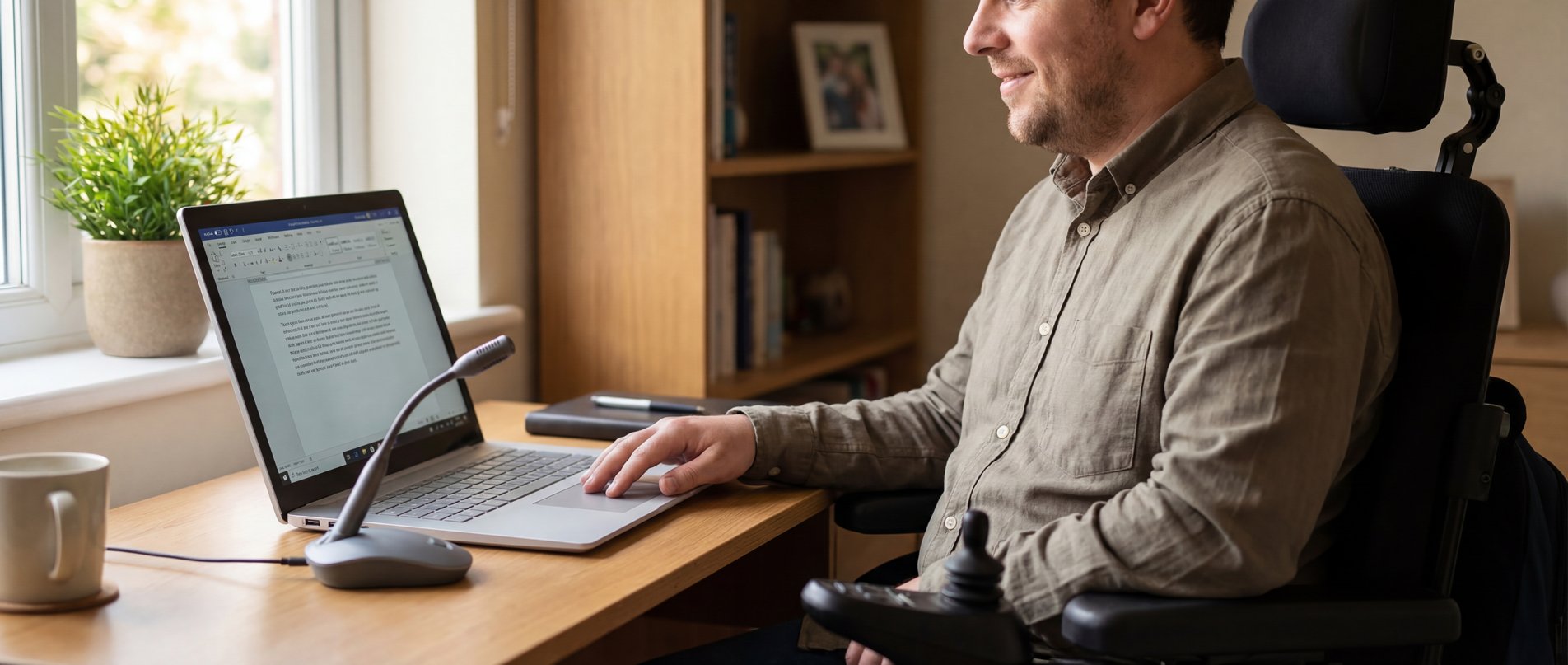
The Affordable Alternative
Here is a concrete, affordable alternative to Dragon for people who can operate at least one button:
- WhisperTyping Personal ($5/month): unlimited dictation, automatic punctuation, custom vocabulary, 50+ languages.
- WhisperTyping Professional ($15/month): everything in Personal, plus AI writing modes (Write, Rewrite, Translate, Reply).
- Windows Voice Access (free): click screen elements, scroll, navigate menus, open apps. Built into Windows 11.
- AutoHotKey (free): map any input device (foot pedal, adaptive switch) to WhisperTyping's hotkey.
Switching from Dragon
If you are currently using Dragon, here is what to expect:
Similar Core Workflow
Press a button, speak, text appears. The basics are the same. Dragon users will find the transition intuitive. The main difference is that you use a separate tool (Voice Access) for clicking and navigating.
Custom Vocabulary Carries Over
You can add your Dragon custom words to WhisperTyping's vocabulary list in Settings > Vocabulary. Names, technical terms, abbreviations: they all transfer.
Try Both Side by Side
WhisperTyping and Dragon can run simultaneously. Assign different hotkeys and try WhisperTyping alongside Dragon for a few days before deciding. No need to switch cold.
Adjusting to Automatic Punctuation
If you are used to saying "comma" and "period" in Dragon, you will need a few days to break the habit. WhisperTyping adds punctuation automatically. You can still say punctuation manually if you prefer, but most users find the automatic mode faster and more natural once they adjust. See our spoken punctuation guide for details.
Who Is This Setup For?
This WhisperTyping + Voice Access combination works well for:
- RSI and carpal tunnel sufferers who need to reduce keyboard and mouse use.
- People with motor disabilities who can press at least one button (keyboard key, middle mouse button, foot pedal, or adaptive switch).
- People recovering from hand or arm surgery or injury who need a temporary or long-term solution.
- People with chronic pain conditions (arthritis, fibromyalgia, tendinitis) that make sustained typing difficult.
- Dragon users looking for a modern alternative with AI-powered accuracy, automatic punctuation, and continuous updates.
We Want Your Feedback
We are a small team and accessibility is an area where we want to do better. If you have tried this setup and have suggestions, or if something does not work with your assistive technology, please let us know.